.PNG)
TALKING FACES - using Recast video
TalkingFaces turns real human salespeople into interactive website overlays. Your salesperson appears on your site, holds your products, shows your coupons, pitches your services, and drives conversions — all from a floating overlay on any page you own.
Demo Video:
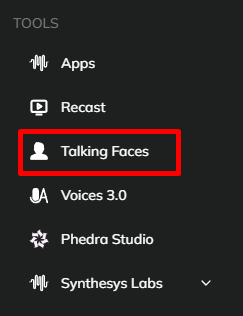
- Click on Talking Faces from the left side of the main dashboard.
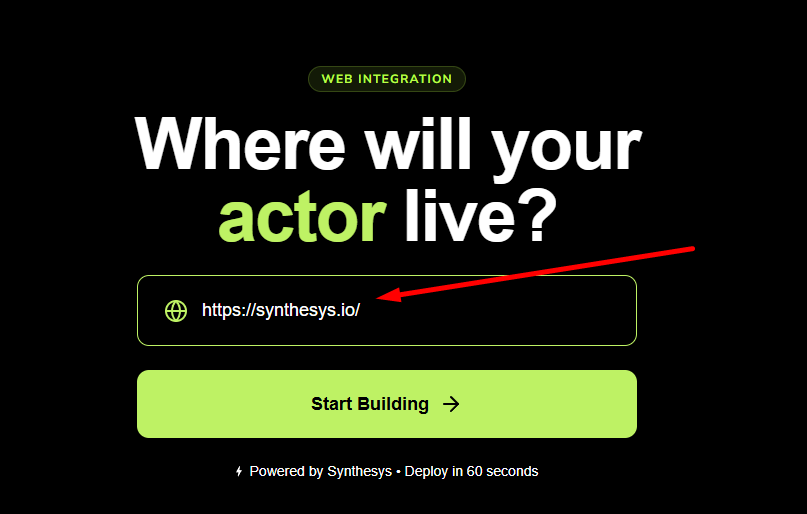
- Enter the website URL where you want to add a spokesperson to and click on Start Building
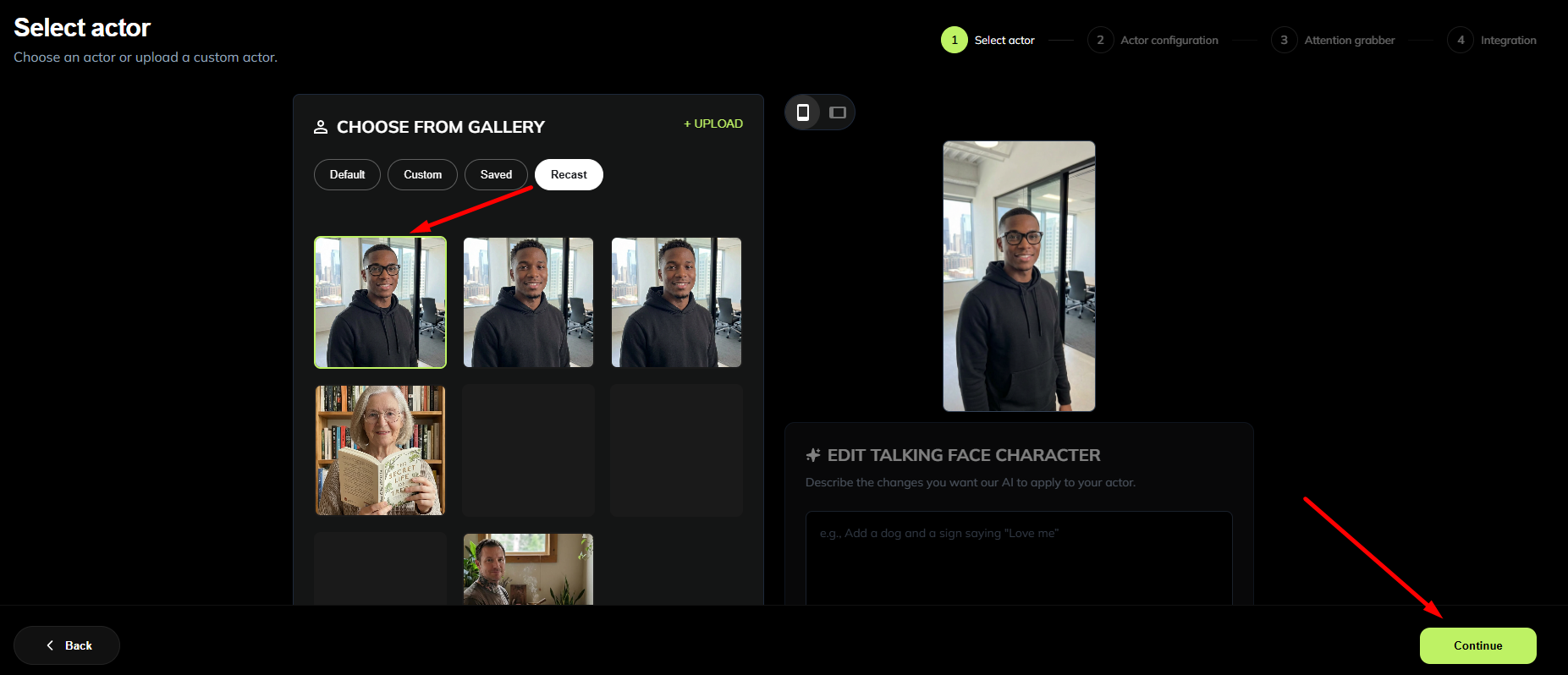
- For the actor, click on "Recast" tab and select the video that you want to use for your Talking Faces overlay and click Continue.
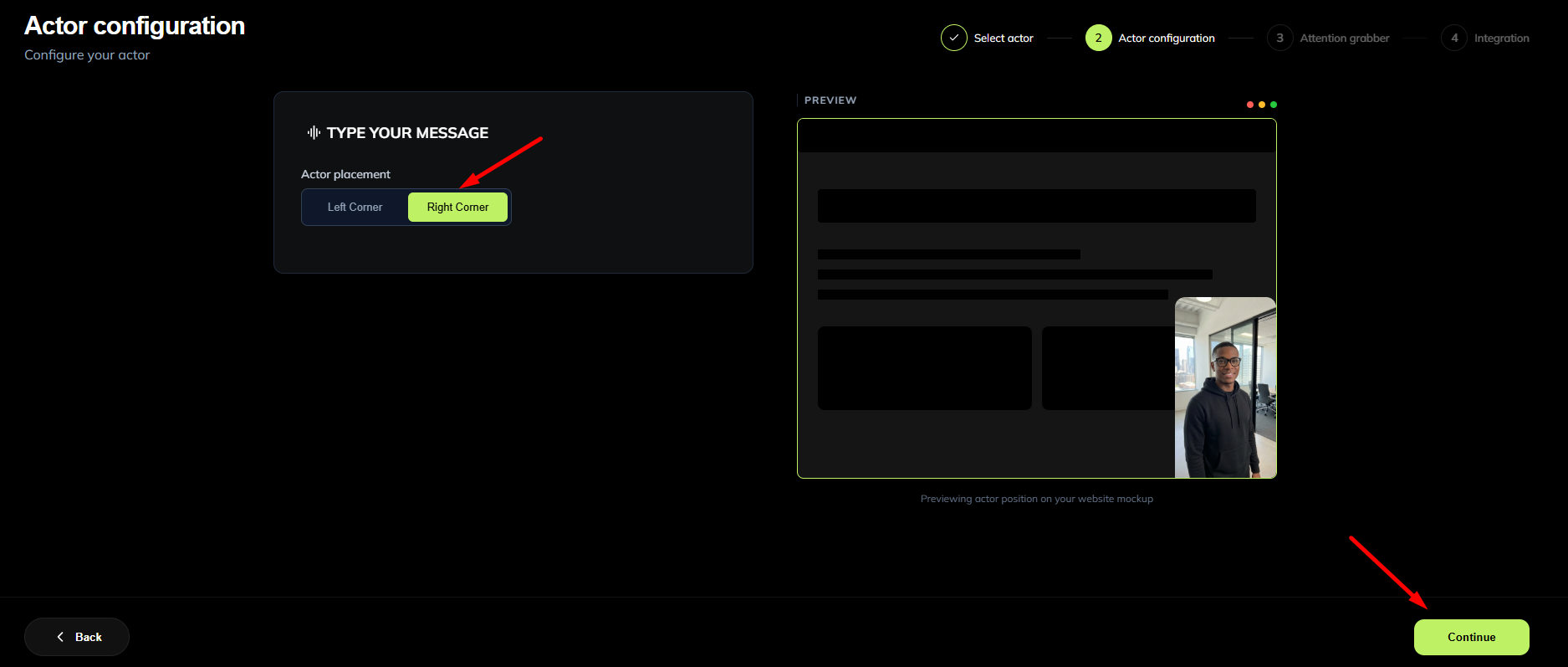
- Choose the position of your spokesperson. This is where you want your spokesperson to appear on your website, either on the left or right corner, and then click Continue.
- For the attention grabber, you can add elements to your spokesperson like signs, objects, etc to catch the visitor's eye before the main video starts. In this example, I would like my spokesperson to hold a sign that says "Big discount awaits!" To do this, click Enable and add your prompt and click on Apply Edit:
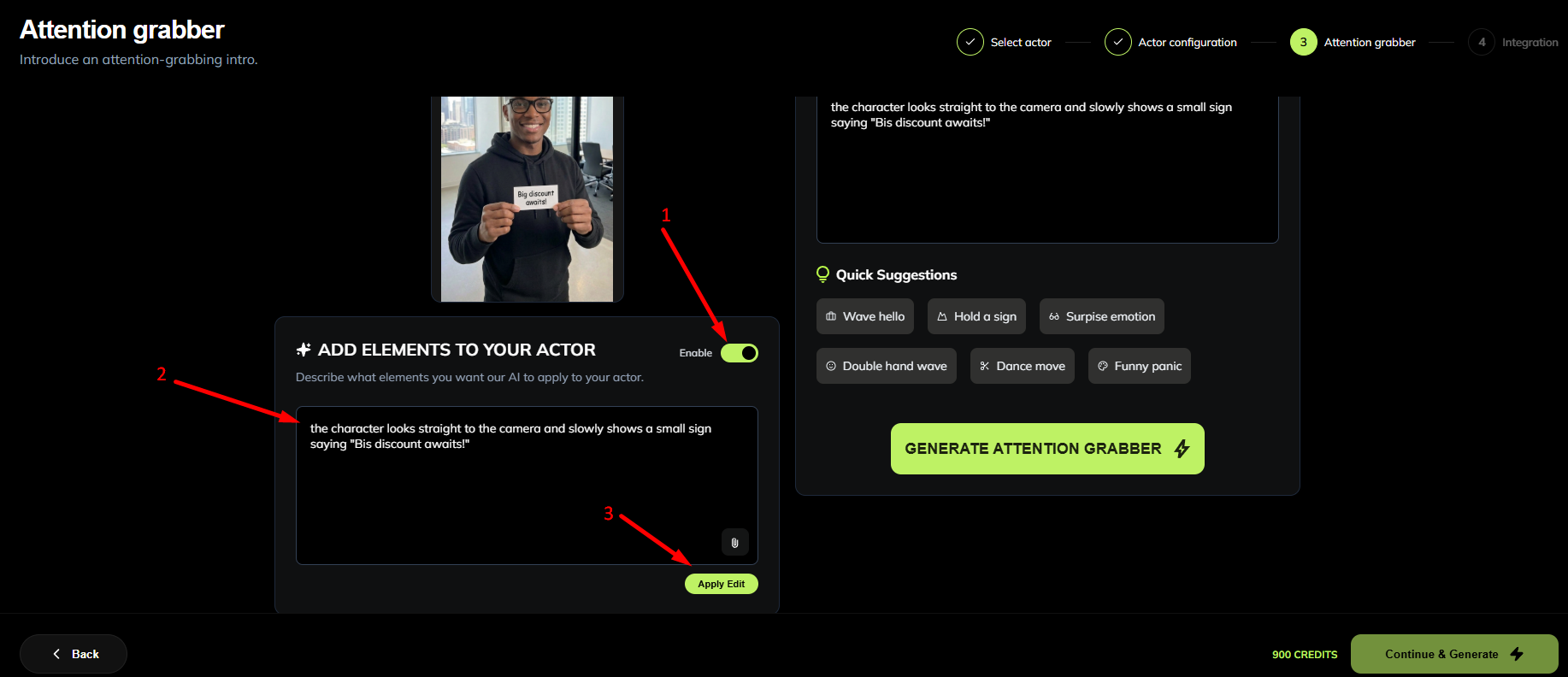
- On the right side, you can generate your attention grabber. You can use one of the quick suggestions or create your own and then click on 'Generate Attention Grabber' and then click 'Continue and Generate'
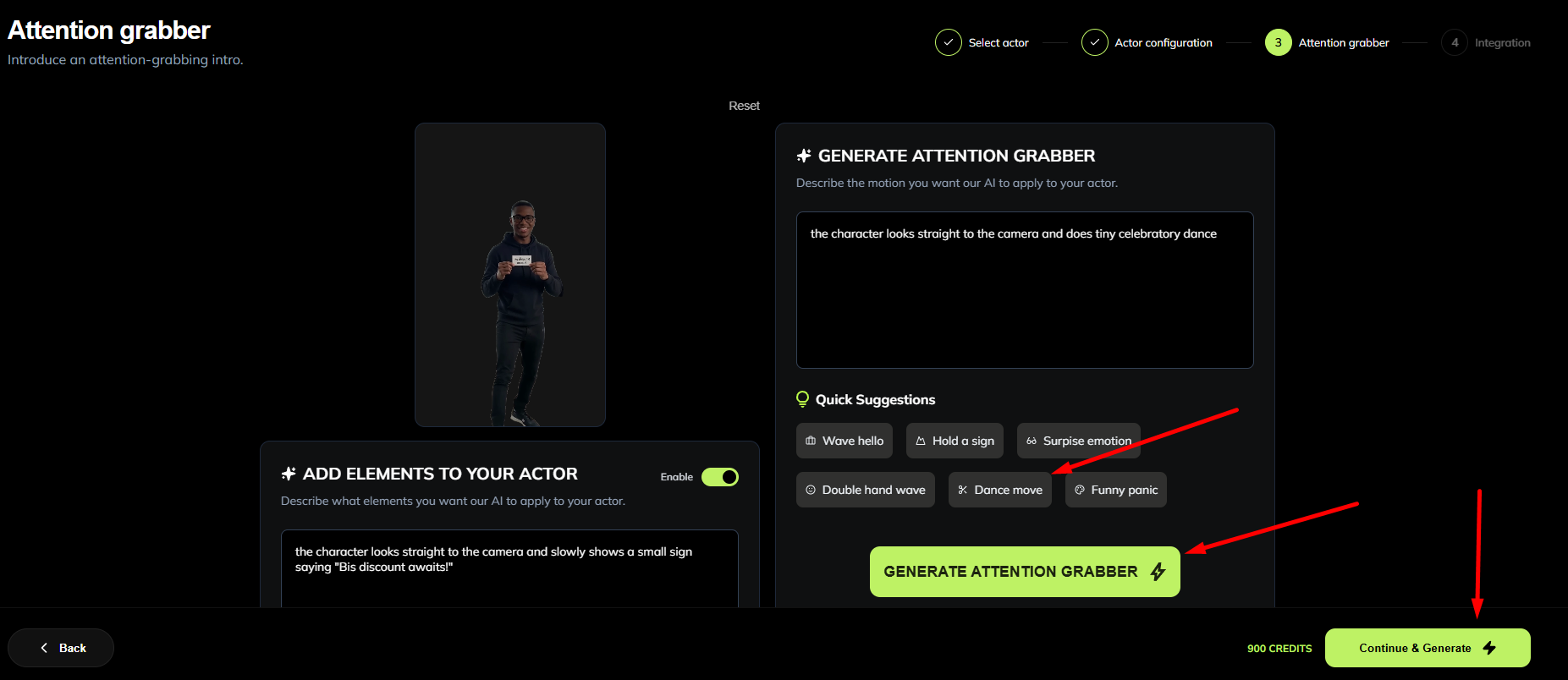
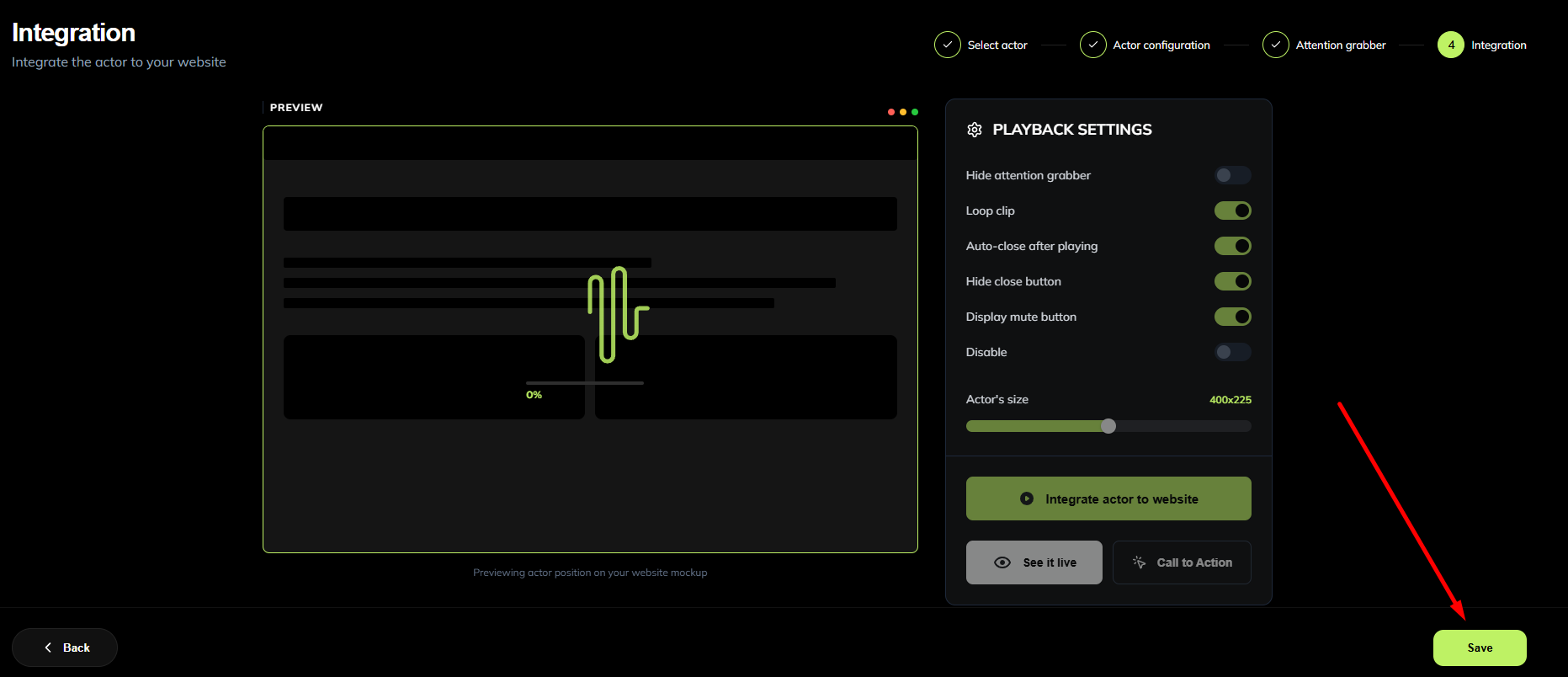
- Once the video starts to generate, you can click 'Save'
- You will be directed to My Projects -> Talking Faces to see the progress of the video render.
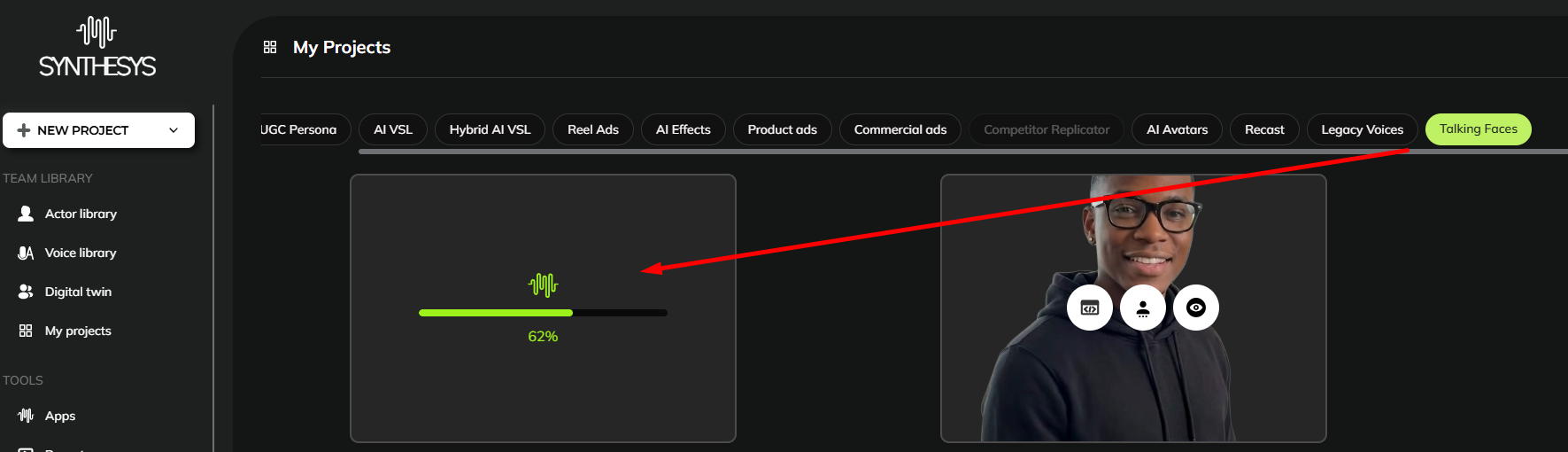
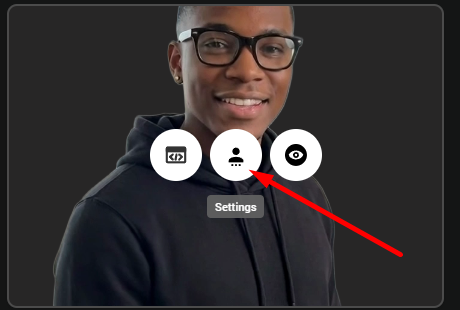
- Once the video is generated, click on Settings to get the embed code.
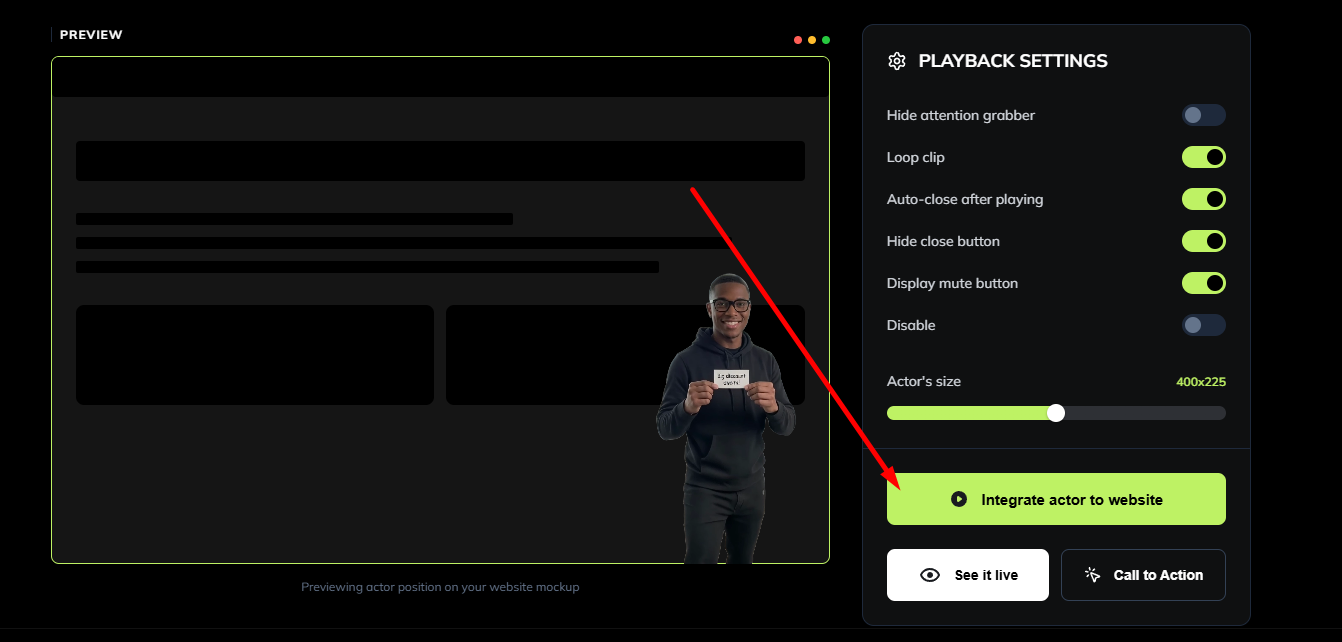
- Click on Integrate actor to website.
- Click Copy script to clipboard
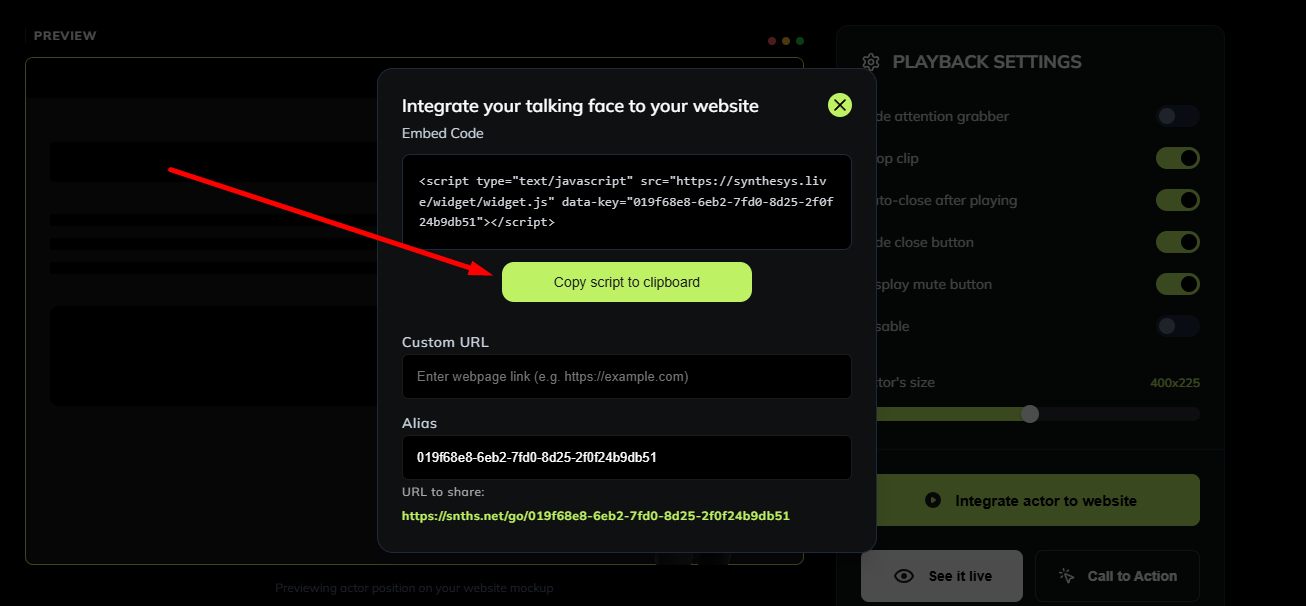
- Paste the embed code to your website.