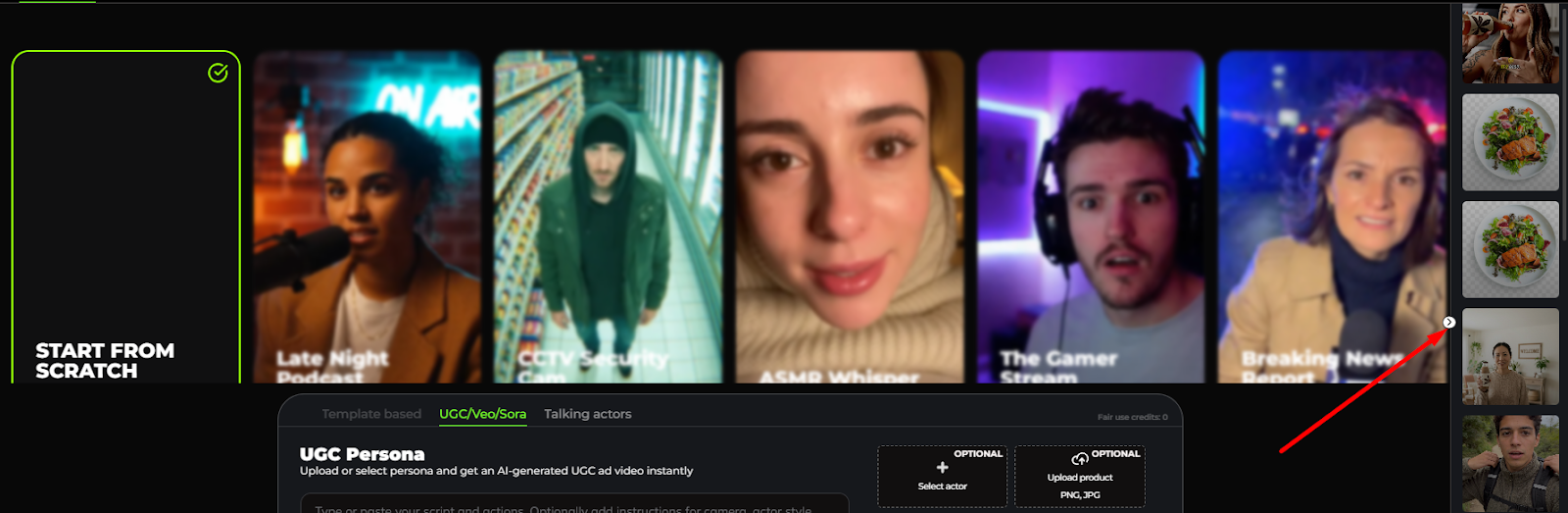
.PNG)
PRODUCT ADS
This tool allows you to create an AI-generated UGC ad video instantly by uploading your product image.
- Upload your product image. Format should be in png or jpg.
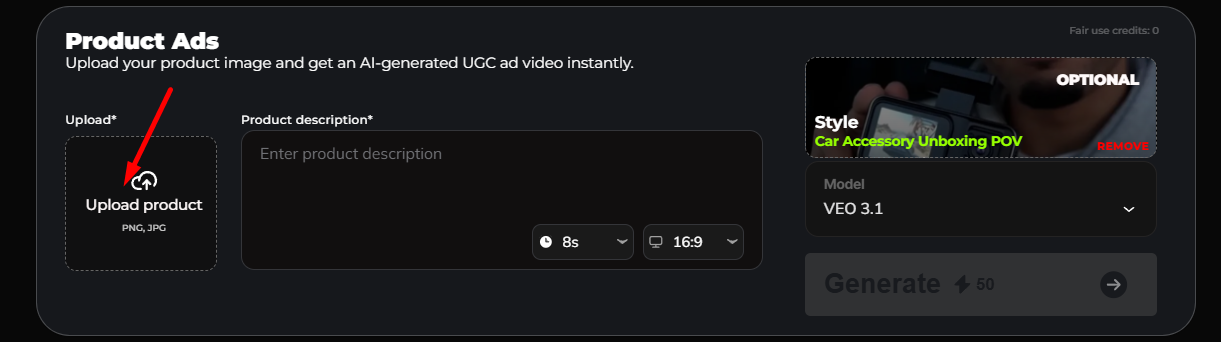
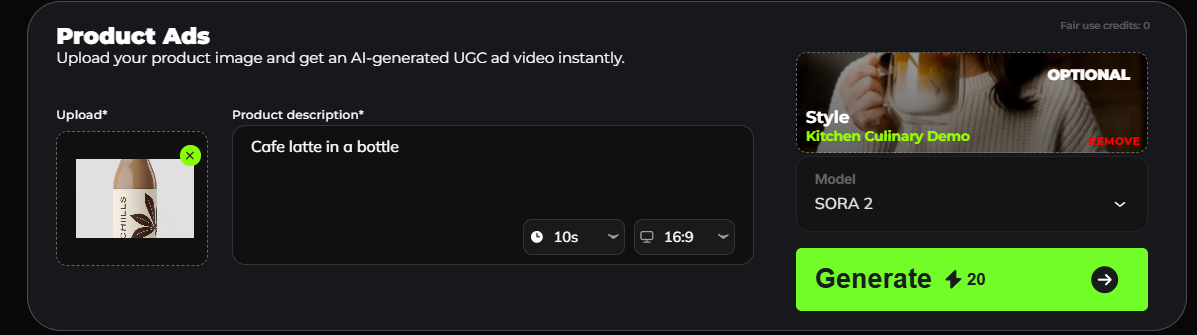
- Enter your product description.
- Select the duration (8s, 10s, or 15s) and dimension for the video ad (horizontal 16:9 or vertical 9:16).
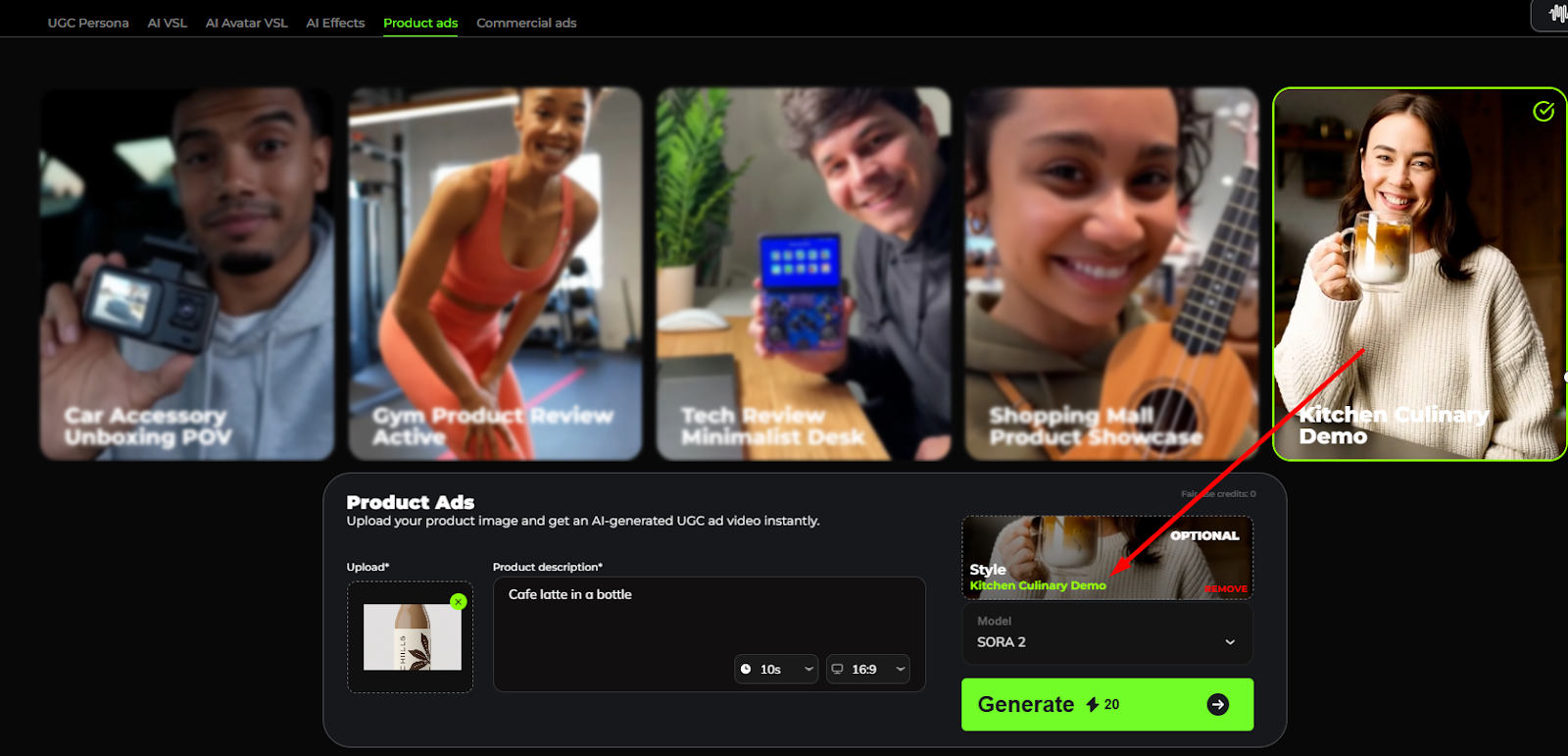
- Choose the style that you want for your video ad (this is optional).
- Choose the model that you want to use: SORA 2 or VEO 3.1
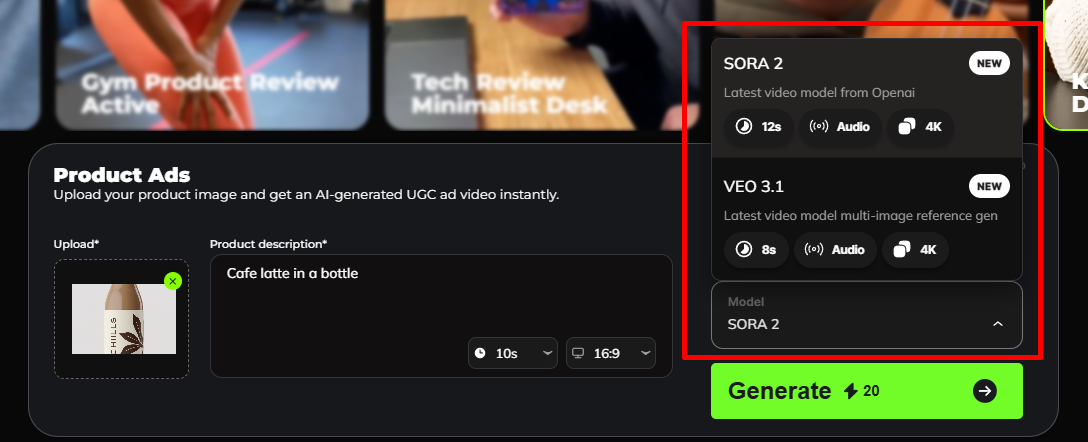
- Click on ‘Generate.’ The number of credits to be charged is shown beside⚡(i.e. 20 credits)
- Select the resolution that you want for your video ad. You can also enable captions by ticking the captions box, selecting the captions position, language and style.
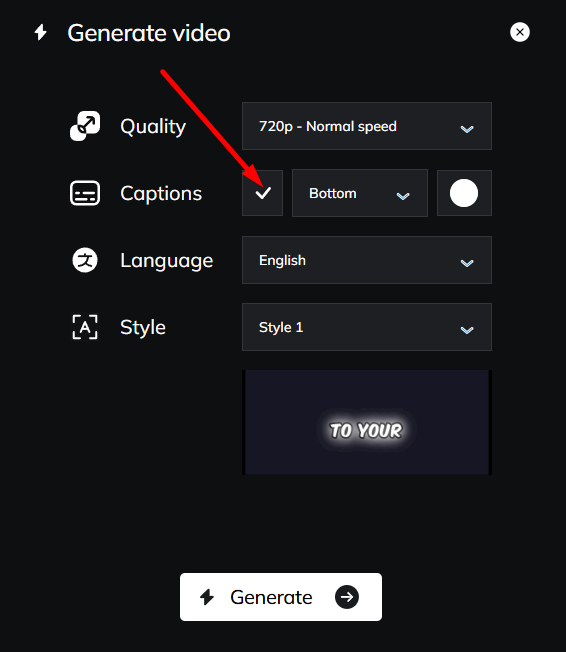
- Click ‘Generate’ to start rendering the video. The generated video will appear on the right side of the ‘Product Ads’ dashboard.