Where Can I Find My Generated Videos?
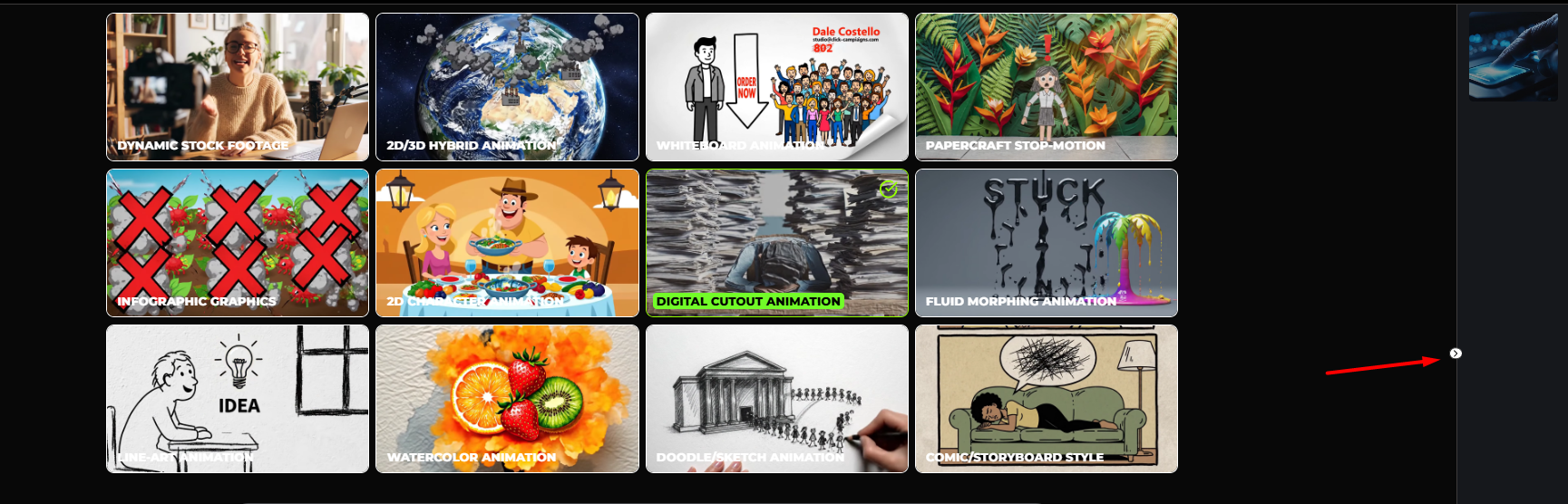
You can view all processed and generated VSL videos by clicking the >> button on the right-side panel of your VSL screen. You can refer to this example for guidance: https://screenrec.com/share/LOXYUQAWHF
.PNG)
You can view all processed and generated VSL videos by clicking the >> button on the right-side panel of your VSL screen. You can refer to this example for guidance: https://screenrec.com/share/LOXYUQAWHF
Still need help? Contact Us Contact Us