.PNG)
How Can I Download My VSL Videos?
You can only download videos that have been successfully rendered.
- Click the « button on the right panel of your VSL Studio screen.

- All videos you’ve created will be displayed.
- Select the video you want to download.

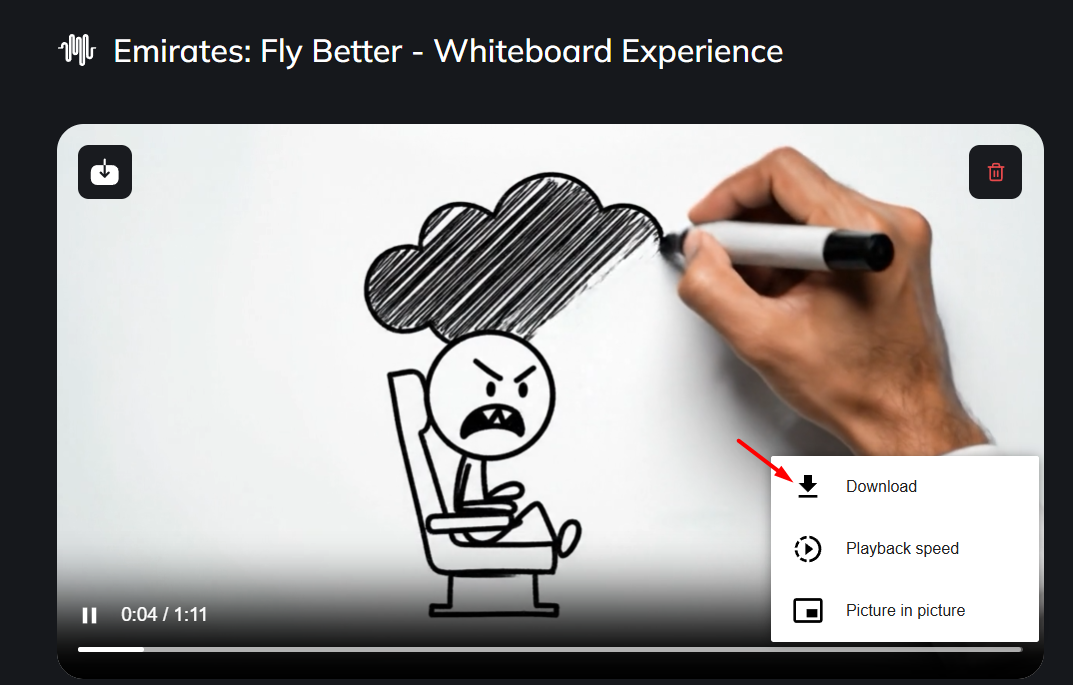
- Click the More button (vertical ellipsis).
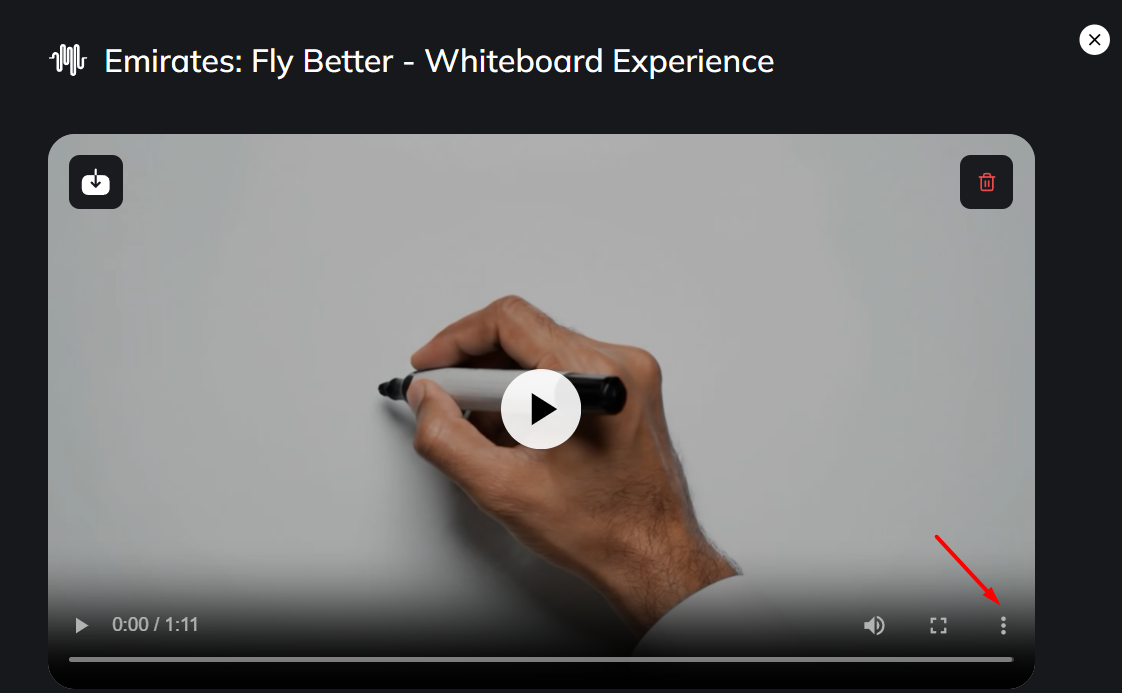
- Click Download