.PNG)
How to Create a VSL Using a URL
When you choose the URL option, the tool allows you to generate a complete VSL (Video Sales Letter) automatically by using the content from a webpage.
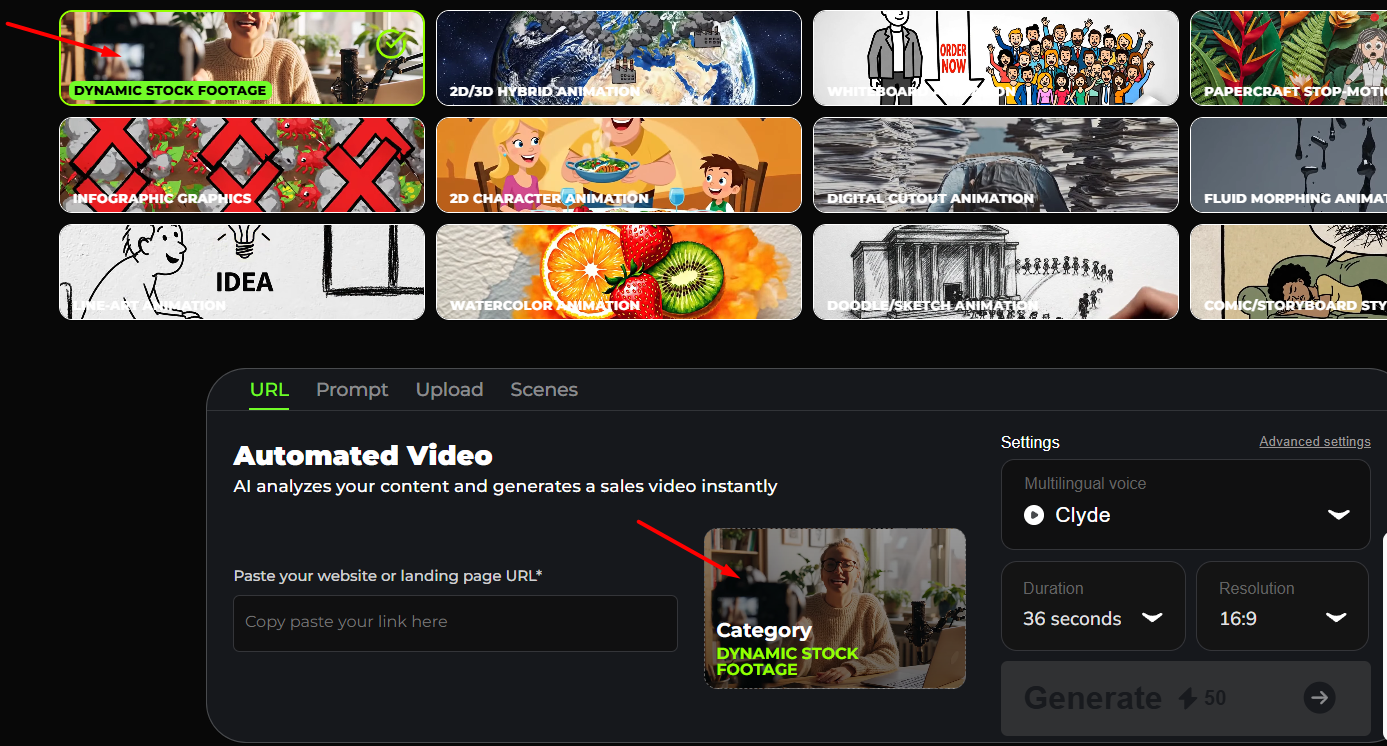
- Select your Video Style Category (e.g., Dynamic Stock Footage, 2D/3D Hybrid Animation, Whiteboard Animation, Doodle Sketch, Comic Style, etc.).
These categories represent the visual style your AI-generated video will use.
When you click on one of these categories, it becomes selected, and that selected style appears below (indicated by the red arrow). In this case, Dynamic Stock Footage is selected.
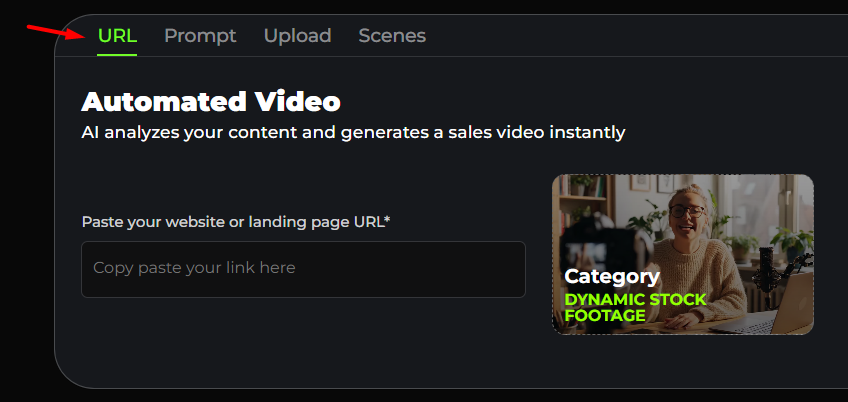
- Click URL
- Paste a website or landing page URL into the input box.
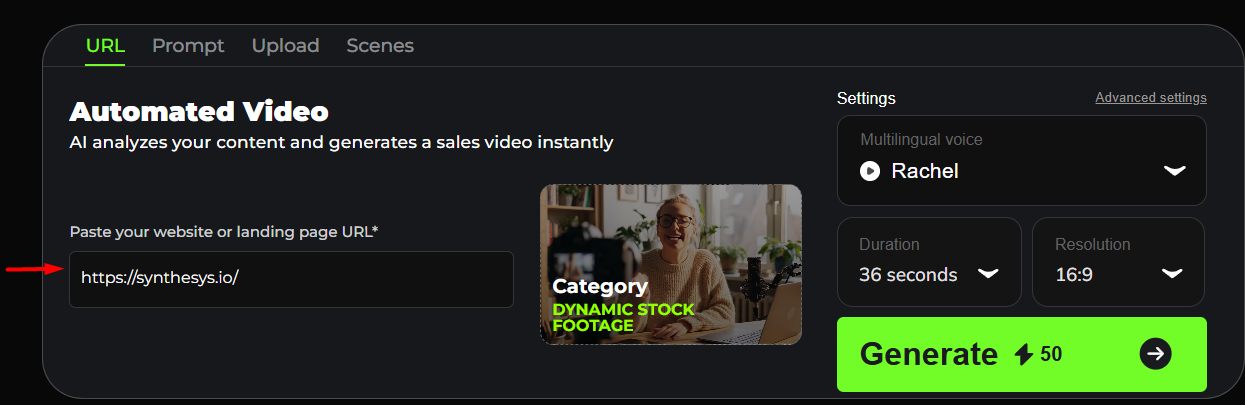
- Select your Voice actor
- Select the Duration
- Select the Resolution
- Click the Generate button to create the video. The system creates the full VSL matching that style.
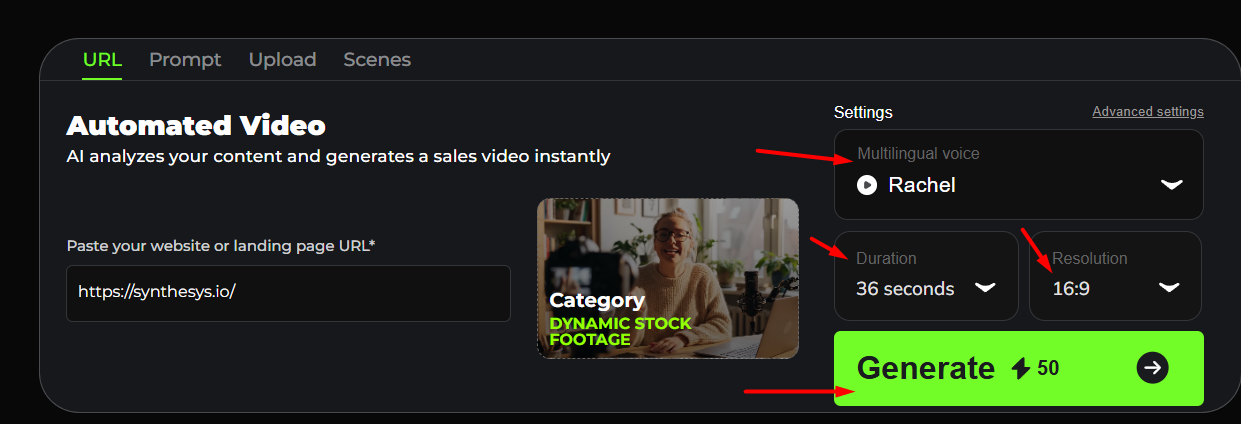
- The AI analyzes the content from that URL. The system combines the extracted content with the video style you selected (in this example, Dynamic Stock Footage).
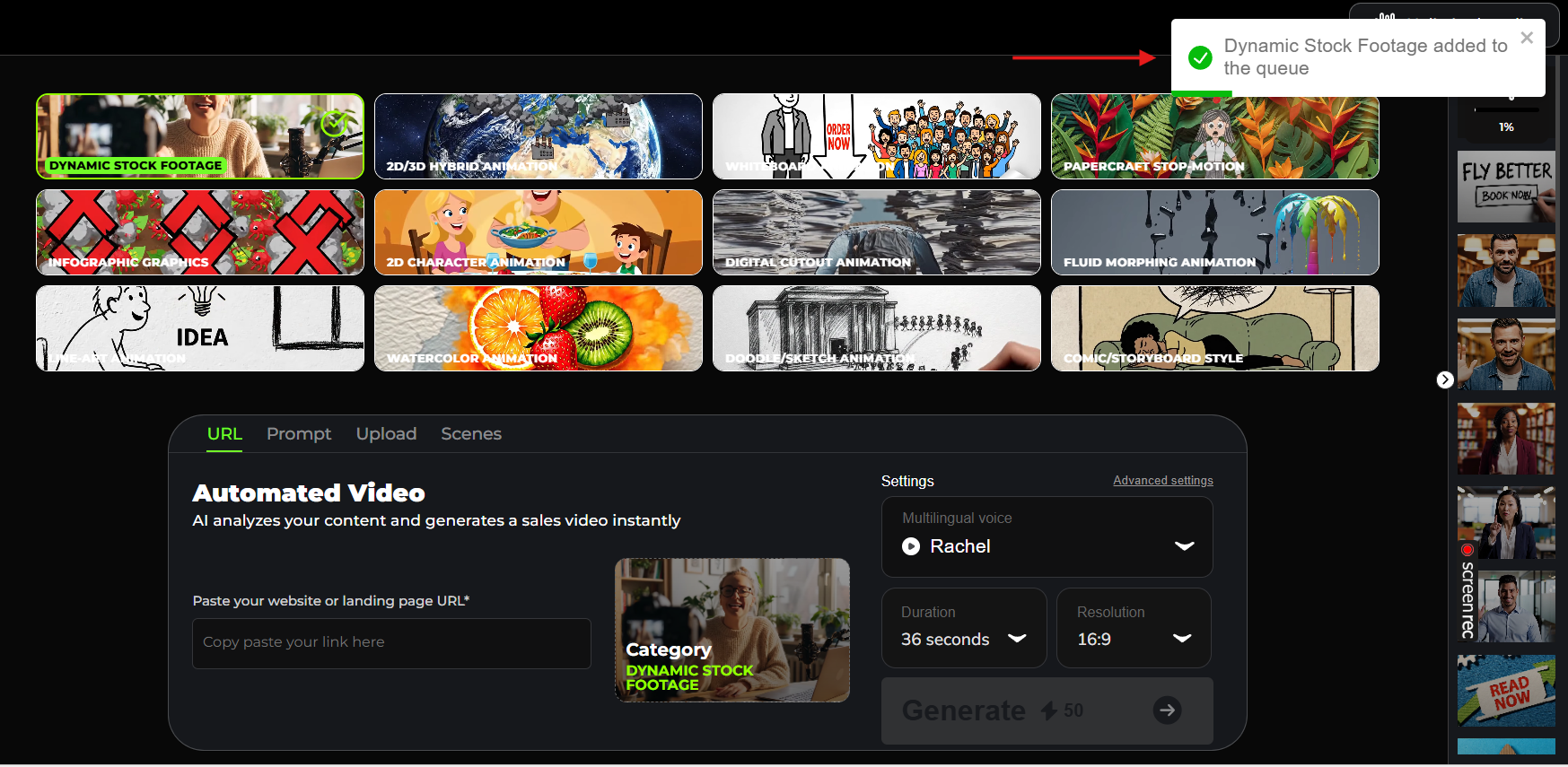
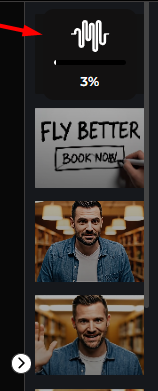
- The video will begin generating. Please wait until the process is complete to preview and download your final video.